
21/08/2026
How to check car history by licence plate in the UK

Gabrielė Slabšienė
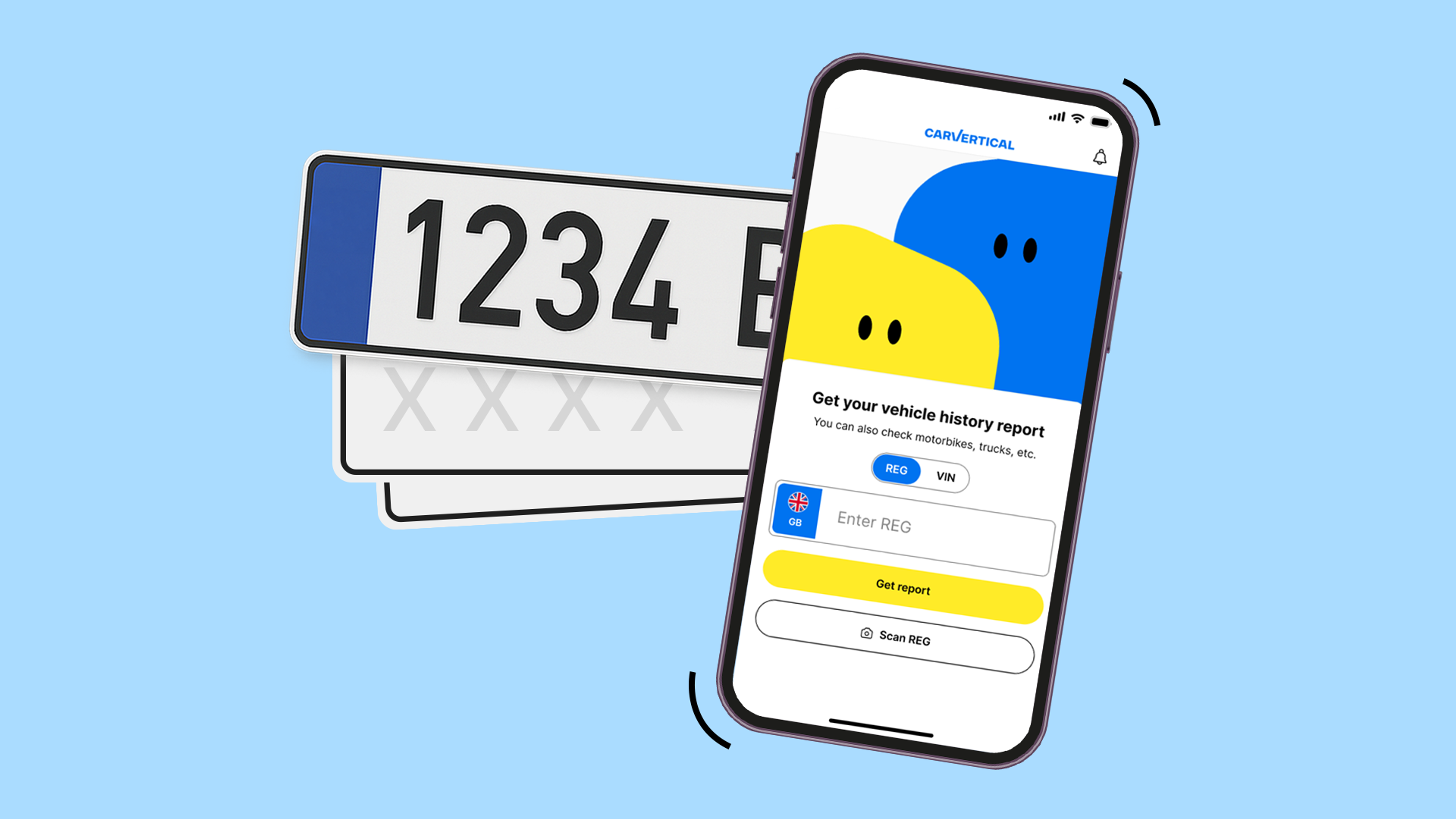
A licence plate check is an online lookup that uses a car’s UK registration number to retrieve information about the vehicle and its history. You typically have two options – run a free check with the DVLA for basic vehicle and MOT information (plus mileage, plate changes, and past keepers), or use a paid car history by licence plate report to dig deeper into the car’s past.
A carVertical report, for example, can reveal damage records, write-off markers, mileage inconsistencies, outstanding finance, and other information that a free DVLA check won’t show.
So, let’s look at how to check a car’s history using its licence plate in the UK.
Used cars have dark secrets
Reveal them all! Just click the button below and enter the VIN or registration number to check it in under a minute.
Licence plate vs VIN: what's the difference?
A vehicle registration number (which you know as a licence plate, VRM, or reg) is the identifier assigned to a car for legal use on UK roads. It can change over the vehicle's life, for example when a personalised plate is purchased, retained, or transferred between owners.
A VIN is different. It's a unique 17-character code stamped onto the car by the manufacturer, standardised worldwide under ISO 3779 since 1981, and it stays with the vehicle for its entire life.
When you'd use each:
- Licence plate (REG): everyday UK lookups such as insurance quotes, MOT and tax checks, resale listings, and vehicle history reports.
- VIN: vehicle history reports as well as cross-border verification, imports, matching a car against its factory identity, and confirming the vehicle hasn't been cloned or misidentified.
Both identifiers can pull up the same vehicle history, but the licence plate is usually the easier starting point. It's right there on the plates at the front and rear of the car, listed on every online advert, and easy to ask a seller for. The VIN, by contrast, is usually stamped on the driver's-side door pillar, at the base of the windscreen, or on the V5C logbook, so you’ll likely need physical access to the car to find it.
Whichever identifier you have, the result ends up the same. Start by entering the 17-character VIN or vehicle registration number (REG), as either allows you to track its entire history.
How to check car history by licence plate on carVertical
carVertical lets you pull a full vehicle history report by entering just its reg number, and the results arrive in seconds. The easiest way to check a car is to use the banner below.
Check a car by its registration number
Enter the registration number below to uncover a car’s history.
Or, if you'd prefer to start from the homepage:
1.Go to the carVertical homepage (or any other page with a Reg input field).
2.Enter the car's reg in the Reg input field and click Check vehicle.
3.The system will identify the car. Click Access full report, or if you want to compare multiple cars, choose a report bundle below for a bigger saving.
4.Fill in the required fields at the checkout and click Complete purchase.
What you can find out about a car's history from a licence plate
A carVertical report pulls in data from over 1,000 global sources, including national vehicle registries, insurance databases, police records, and any official garages.
From just the reg number, a licence plate lookup on carVertical typically shows you:
- Mileage records: recorded readings from MOT tests, service logs, and inspections, all on a timeline that flags rollbacks, gaps, or suspicious drops.
- Damage and accident history: photos (where available), repair-cost estimates, damaged areas, and AI-detected damage even where no official record exists.
- Write-off category: whether the vehicle has been recorded as Cat A, B, S, or N by an insurer.
- Theft markers: whether the car has been reported stolen in local and international databases.
- Ownership history: shows how many owners the car has had, with dates of ownership changes.
- Outstanding finance: whether the car is linked to unpaid finance agreements, fines, or involved in legal disputes.
- Plate change history: a timeline of registration changes, which is useful for spotting a car whose plate was swapped shortly before sale.
- Vehicle specifications: make, model, engine, factory options, fuel type, and dimensions.
📎 Note
A carVertical report contains vehicle data only. It does not include the owner's name or address, which are protected under UK data protection law.
Common red flags a licence plate check can reveal
A car history check by reg number is only useful if you know how to read what comes back. If you notice any of these, it’s a sign to investigate further, negotiate hard, or walk away entirely.
1.The mileage doesn't add up. Sudden drops or inconsistent readings often point to odometer fraud. carVertical's UK data from the first half of 2026 shows over 4% of checked cars have signs of mileage tampering. Even a modest rollback can hide serious mechanical wear and add thousands to the asking price.
2.The car has changed registration several times. Personalised plates are common and legitimate, so a single plate change is rarely a red flag on its own. But multiple rapid changes, or a plate swap shortly before the car was listed for sale, means it’s time for a closer look.
3.The seller says "accident-free", but the report disagrees. So far in 2026, carVertical’s UK data found that slightly over 42% of checked cars had damage records on file. Compare the advert against the report line by line, particularly around structural repairs, replaced panels, and any evidence of airbag deployment.
4.The vehicle has been written off. Under the ABI categories introduced in October 2017, Cat A and Cat B write-offs cannot legally return to the road. Cat S (structural damage, repaired) and Cat N (non-structural damage, repaired) can, but the marker is permanent. Expect resale value to drop by 20% to 50%, some insurers to refuse cover, and mainstream finance to be harder to secure.
5.The car still has outstanding finance. If a car is sold while under an active HP or PCP agreement, the finance company may still legally own it. The Hire Purchase Act 1964 offers narrow protection to private buyers who purchased in good faith, but it doesn't apply to every case. Assume any finance flag needs settling before the sale completes.
6.The vehicle's history doesn't match the registration. Imports, retained plates, or DVLA record-update delays can all cause a mismatch. So can more serious issues, such as a cloned car or a swapped identity. If anything doesn't line up, cross-check against the VIN before you commit.
7.The registration plate itself looks suspicious. Since September 2021, all newly manufactured UK plates must meet British Standard BS AU 145e and carry the supplier's name, postcode, and standard code. Wrong fonts, uneven spacing, missing supplier details, extra bolt holes, or evidence of recent replacement can all point to tampering or, in rarer cases, vehicle cloning. DVLA received over 10,000 reports of plate cloning in 2024, and the number is rising.
DVLA check vs carVertical history check: what's the difference?
While the DVLA offers free checks that can confirm the basics, they stop well short of a full history. Here's how the two compare side by side.
Feature | DVLA free service | carVertical |
Primary function | Free vehicle enquiry (tax and SORN status) and full MOT history | Paid multi-source vehicle history report |
Cost | Free | Paid, with bundle discounts of 32% (two reports) and 45% (three) |
MOT and tax status | Yes, both | MOT status shown, tax not a headline feature |
Theft and stolen checks | No | Yes, international stolen databases |
Mileage verification | MOT-recorded mileage only | Multiple sources cross-checked, with a rollback graph |
Accident history | No | Yes, including damage photos, repair estimates, and write-off category |
Outstanding finance | No | Included in the report |
For a serious used-car purchase, combine both. Use the DVLA's free MOT and tax checks to confirm the basics, then run a paid licence plate history check with carVertical to catch what the free tools cannot see.
Leave no car unchecked
Compare two cars and save 32%, three and save 45%. No code needed.
Frequently asked questions
Article by
Gabrielė Slabšienė
Gabrielė is the Product Manager at carVertical, leading the development of features that make vehicle history reports more valuable for users. She’s a master at combining thoughtful design with practical solutions, making automotive data easier to understand and fostering more transparent interactions between car buyers and sellers in the used car market.